Get the Best Tennis Tips and Offers!


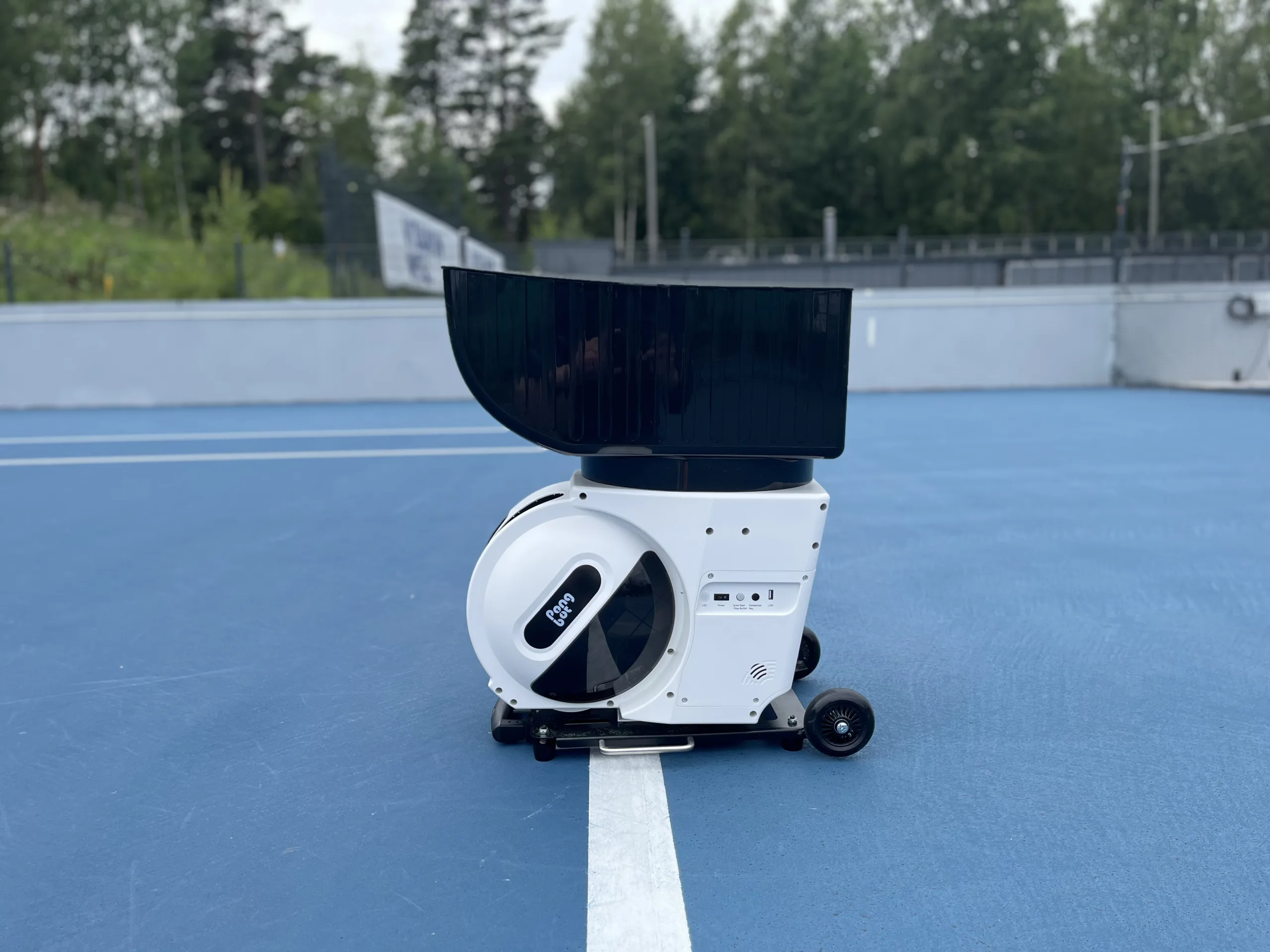
This article features a detailed review and playtest of the Pongbot Pace S Pro, a high-end ball machine. The device was provided in exchange for an honest review.
This article contains affiliate links, marked with an * symbol. Purchases made through these links may earn the author a commission, at no extra cost to the reader.
The Pongbot Pace S Pro is Pongbot’s most premium ball machine model. It’s based on the standard Pace S model but includes a greater variety of drills and functions. Most notable are the smart functions, which let the ball machine track the player and feed balls accordingly.
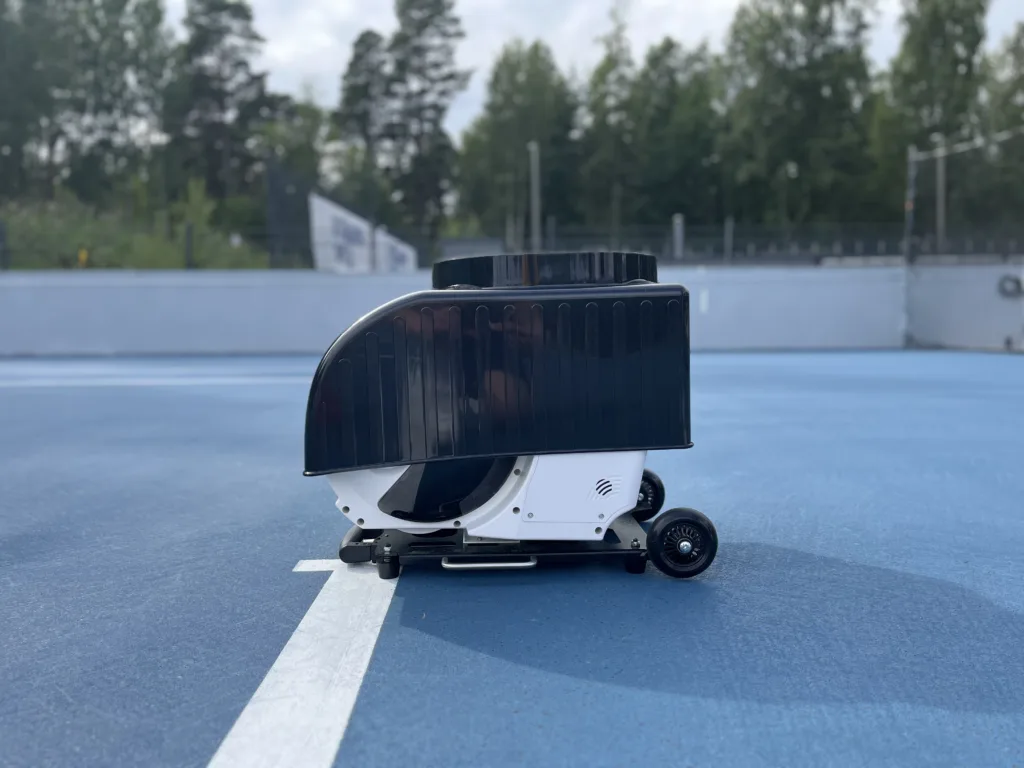
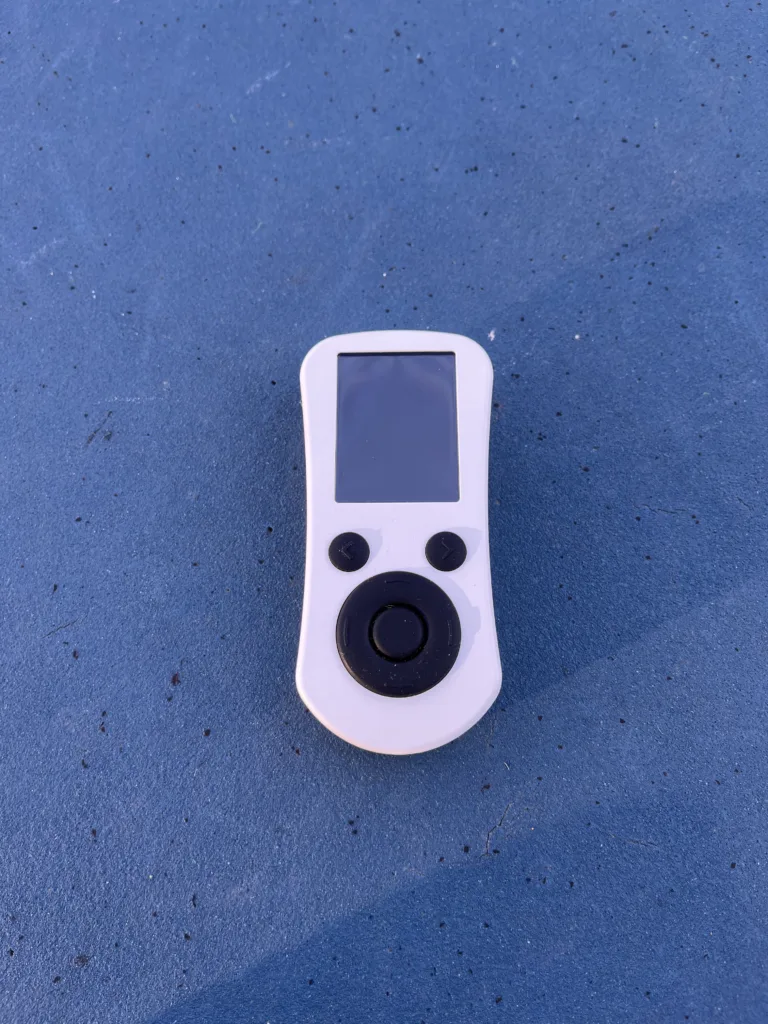
The Pongbot Pace S Pro package includes two main components: the ball machine and the player tracker.
Price: $2290 / 2000€ — currently $1415 / 1240€ with Pongbot’s ongoing promo. Use code TENNISLEO at checkout for an extra 10% off, stackable with the promo price.
Money-back guarantee: Try risk-free for 30 days and return for full refund
Weight: 48.5 lb / 22kg
Battery Life: 8 hours, slightly reduced with feeds requiring faster ball speeds
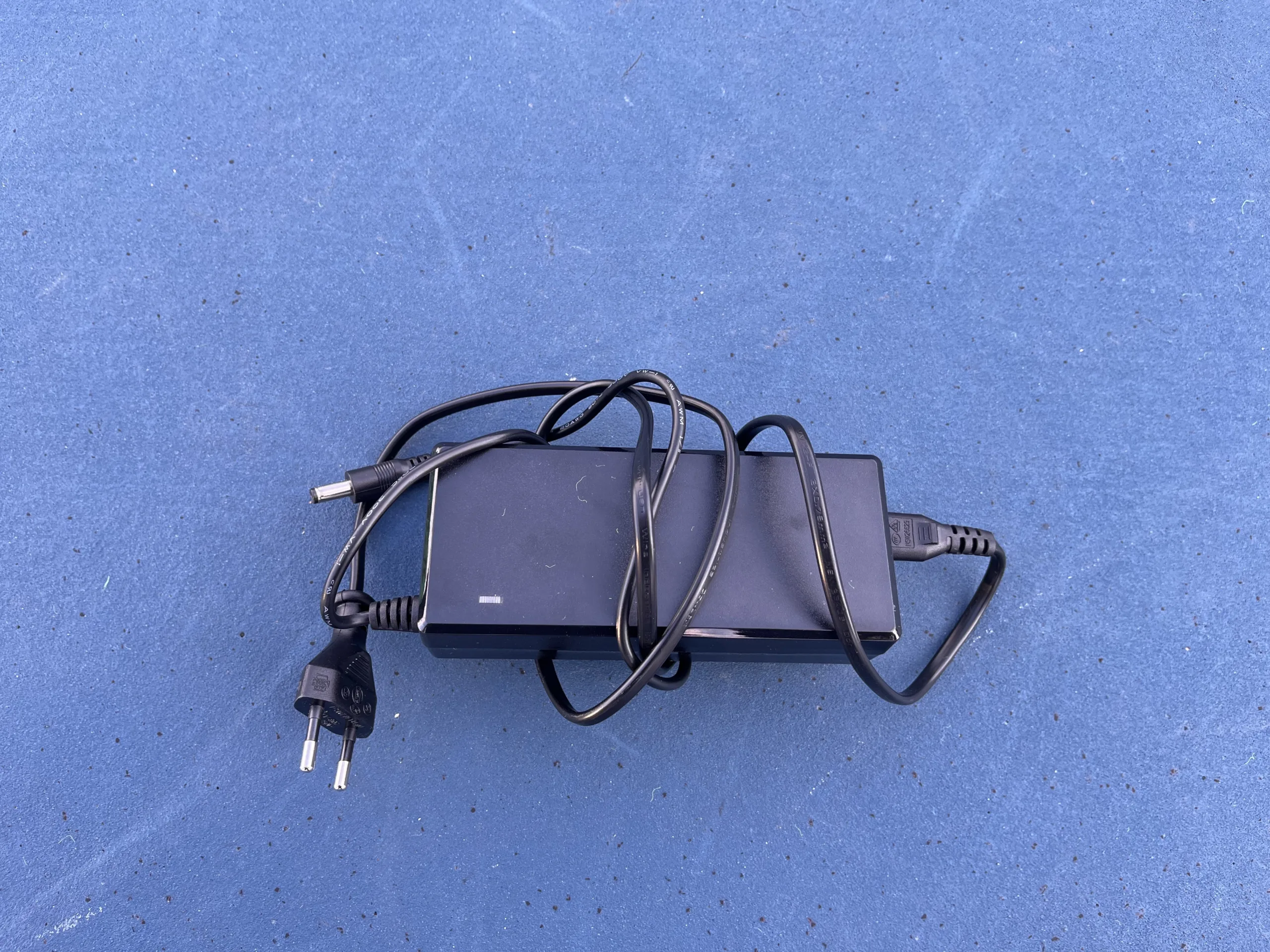
Recharge time: in my experience, it took about 2-3 hours to fully recharge the battery. For more demanding, uninterrupted use, players can buy an extra battery from Pongbot’s store.
Pairing Method: Bluetooth via remote controller or a mobile application
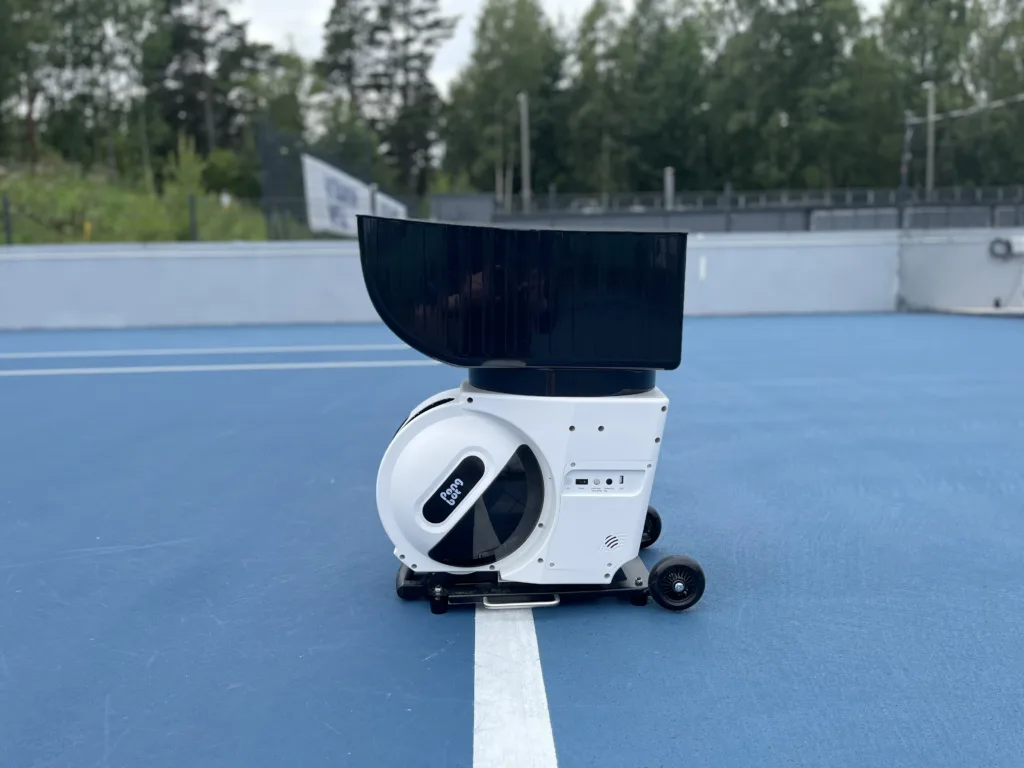
Product dimensions: 700 × 370 × 560 mm, a size of a carry on suitcase with the ball basket attached.
Ball capacity: 150 balls
Ball Speed: 15-80 mph / 25-130 km/h
Ball Spin: Up to 60 rps (Revolutions Per Second)
Spin types: Top Spin, Under Spin, No Spin
The Pongbot Pace S Pro can be used for anything from beginner to pro-level practice. Thanks to its large range of ball speed and spin options, it can generate easy drills focused on improving hitting technique, or harder drills to improve a player’s recovery and movement on the court.
Considering Pongbot’s rather compact size compared to traditional ball machines it offers various features that also perform well on the court.
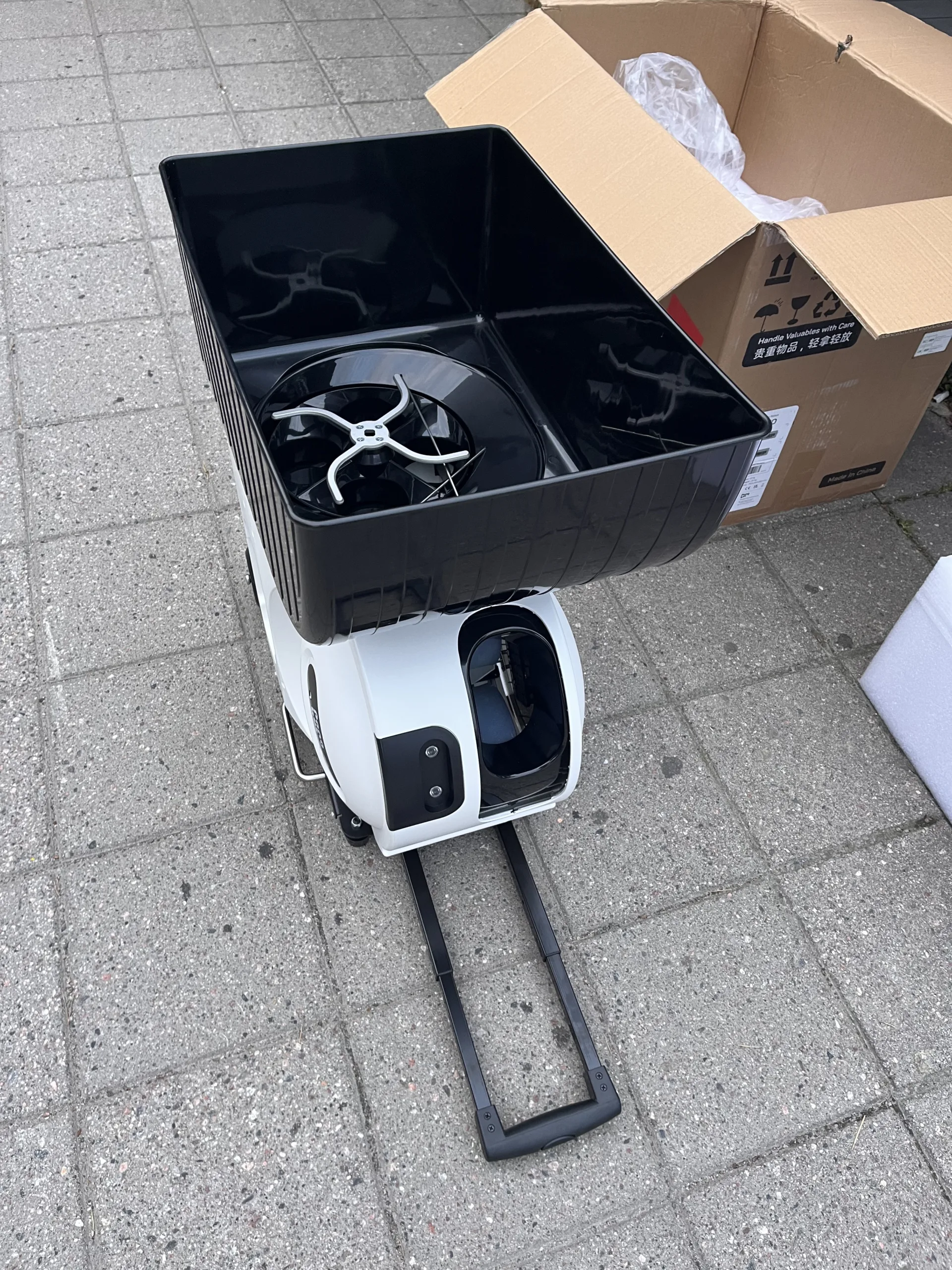
Pongbot is surprisingly easy to set up, and the whole assembly process, from delivery box to court-ready, takes less than 15 minutes. You just lift the machine from the box, remove all the plastic and tape, and then install the ball basket on top of the machine.
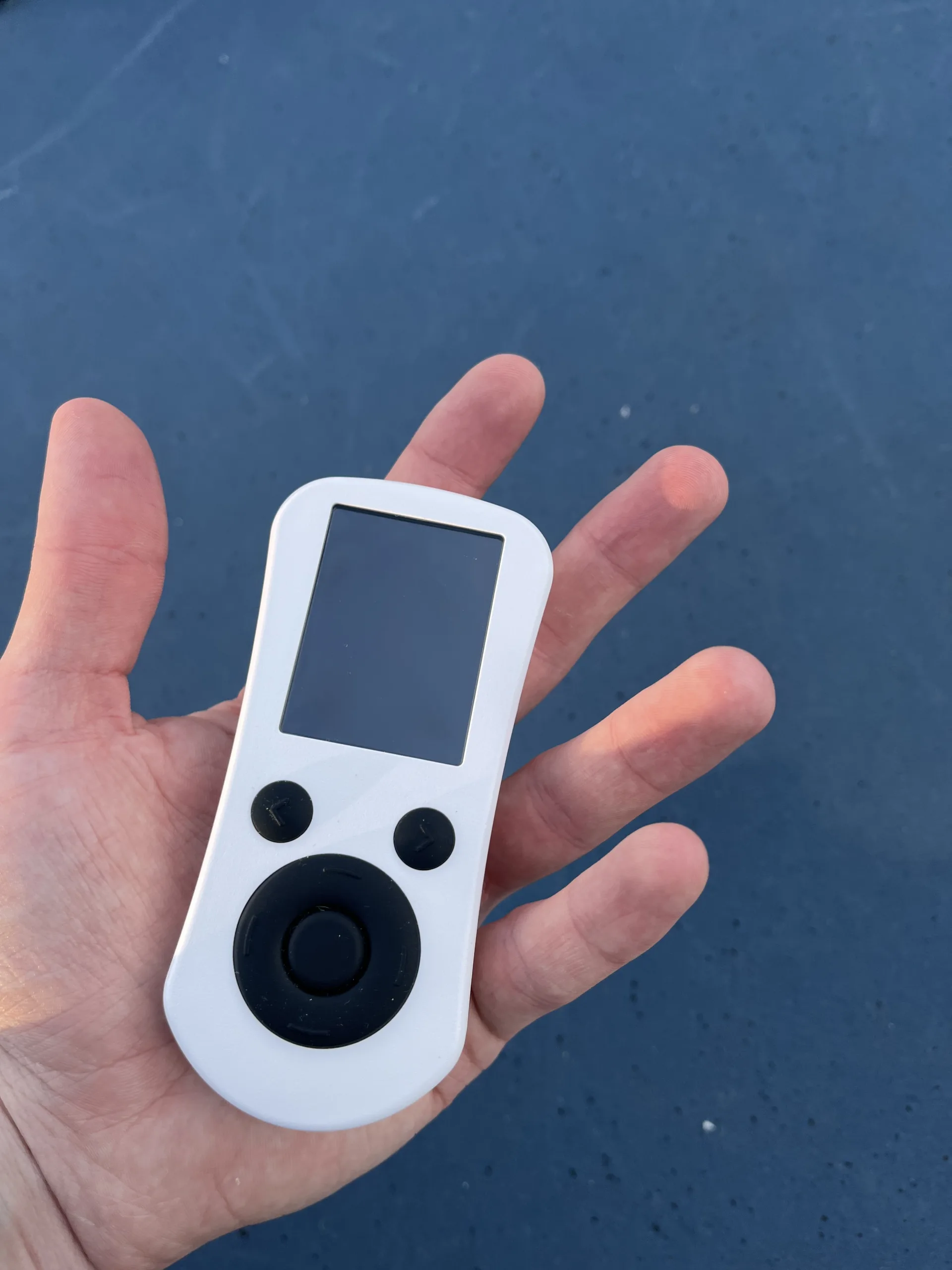
To function, Pongbot doesn’t require any applications, and it can be used with a battery-powered remote controller whose interface is very intuitive. The connection between the ball machine and the remote is established via Bluetooth, and the remote can be taken to the other side of the court without losing connection to the machine.
There is also an application which turns your mobile phone into another controller. Through the application, you can control the machine in more detail, create your own drills, and try the community’s Pongbot drills. The mobile application itself is also very straightforward and requires only account registration. The Bluetooth connection from your phone to the machine is also very strong, and you can use it from the other side of the court.
As mentioned above, the Pongbot can also be controlled via a mobile application. The application looks slightly unpolished, but it’s easy to use and everything works well. From the app you can see more detailed info compared to the remote controller, and you can adjust the feed styles and placements more easily.
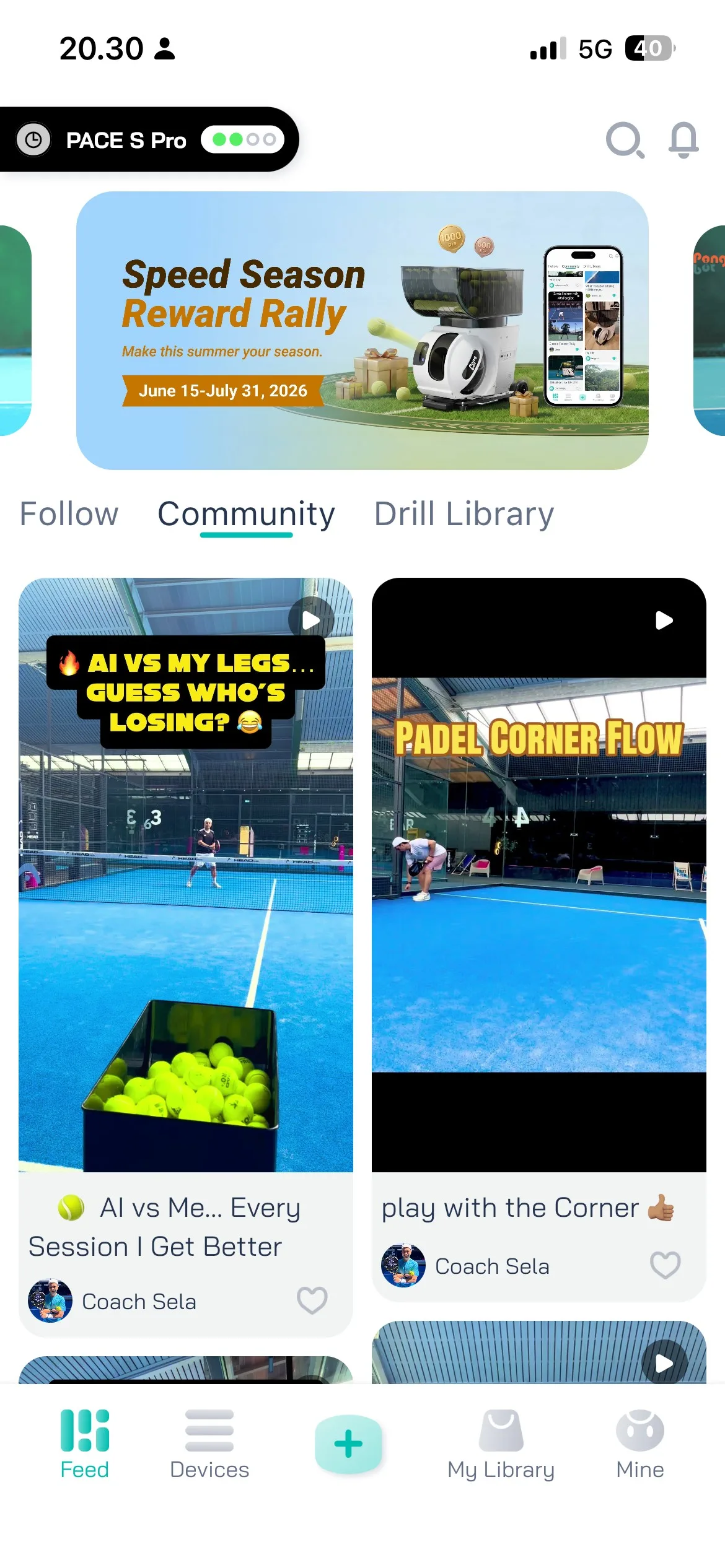
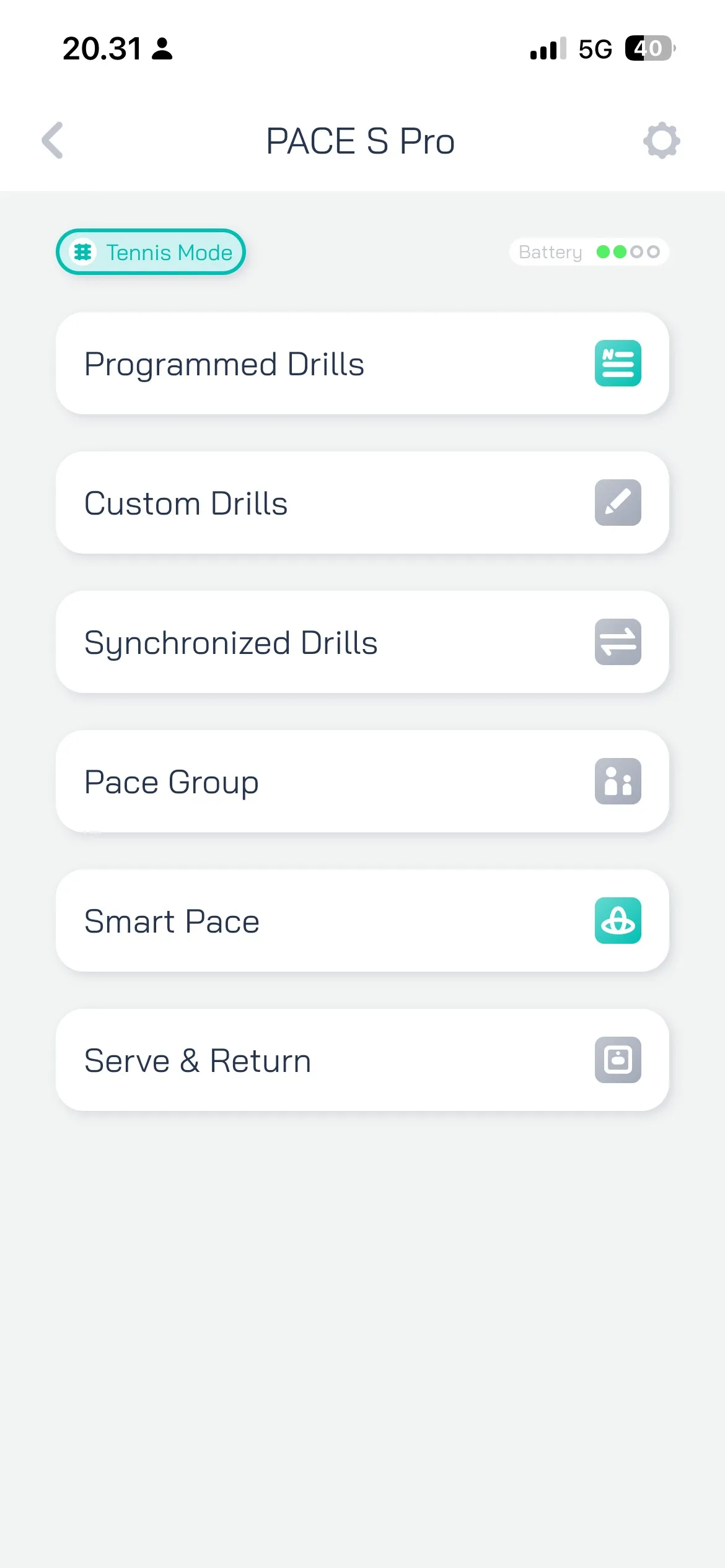
Pongbot’s application’s main menu and the drill menu
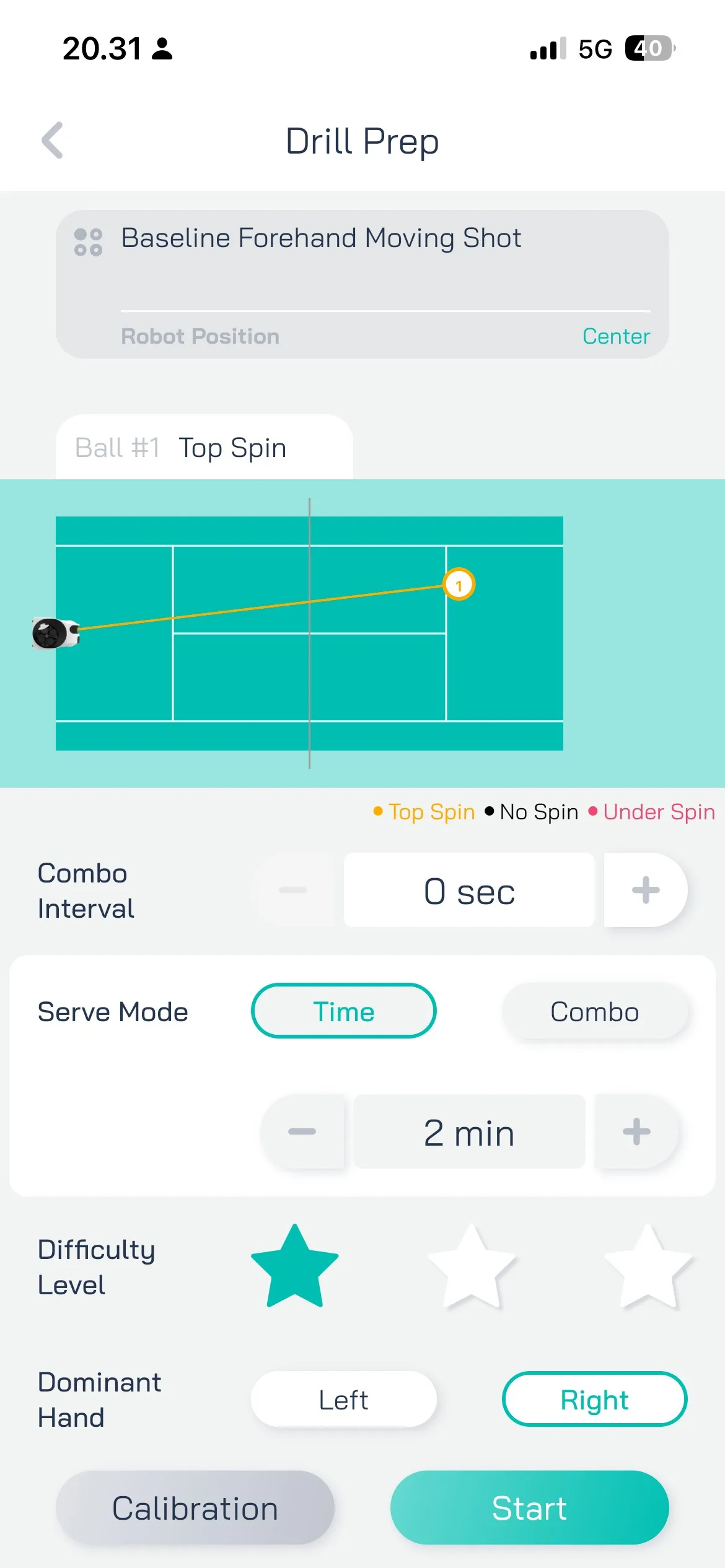
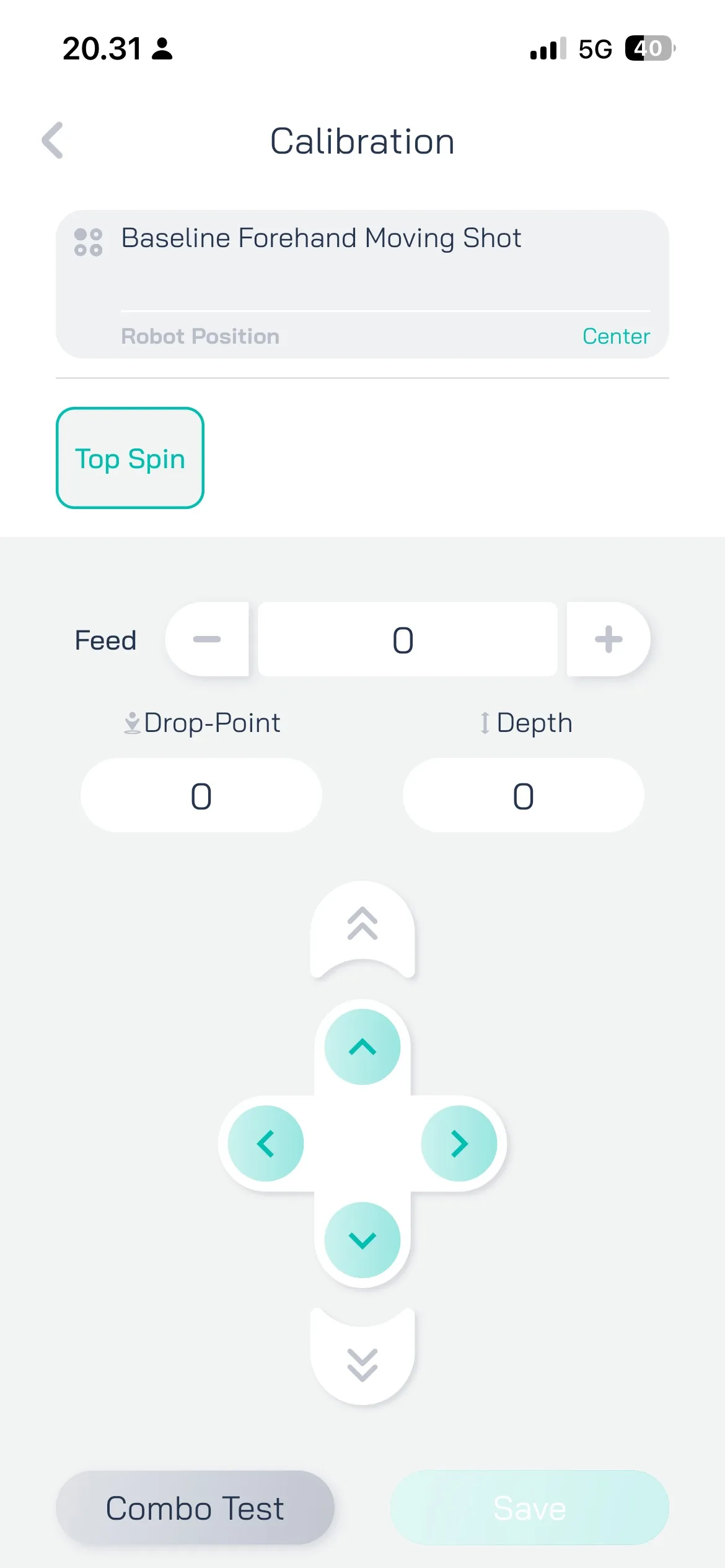
Drill modification menu and the drill calibration menu
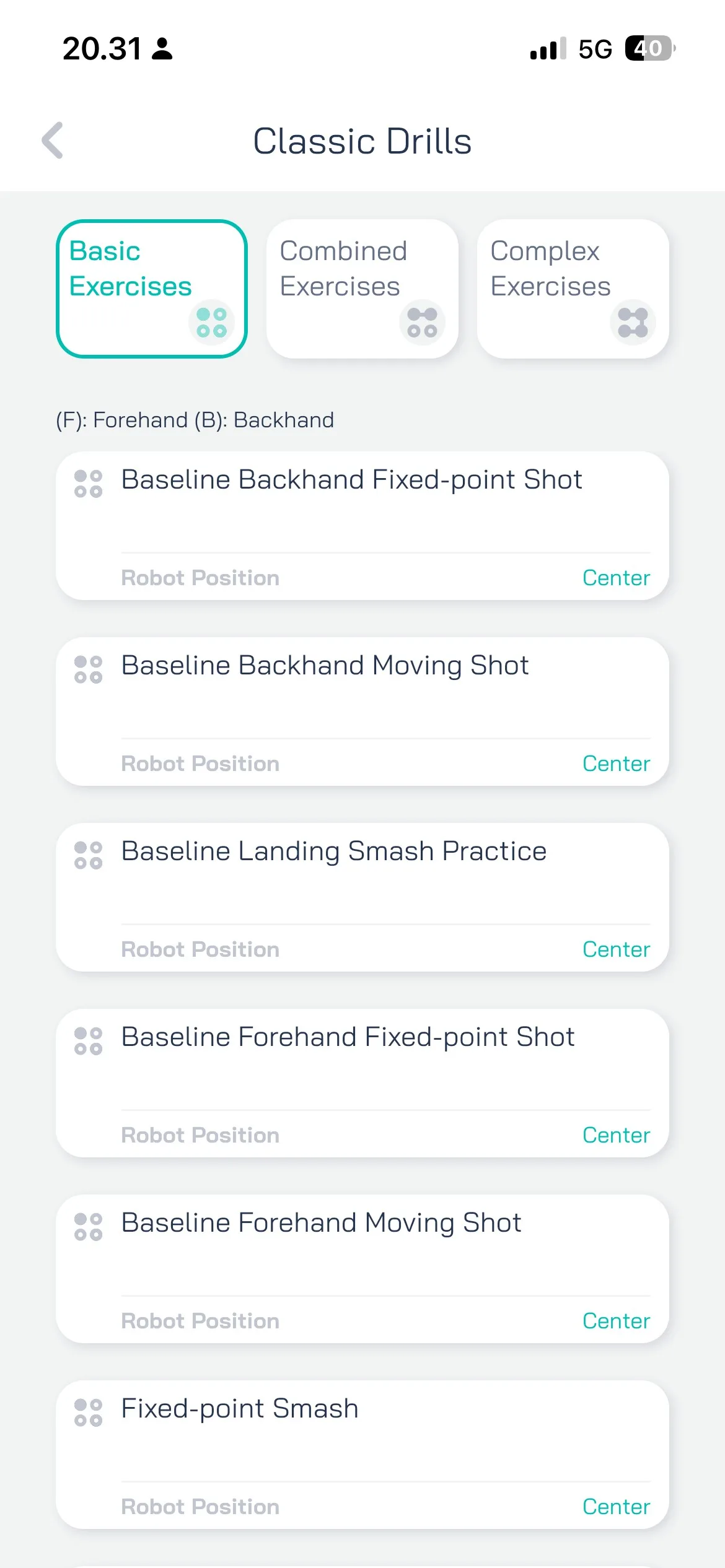
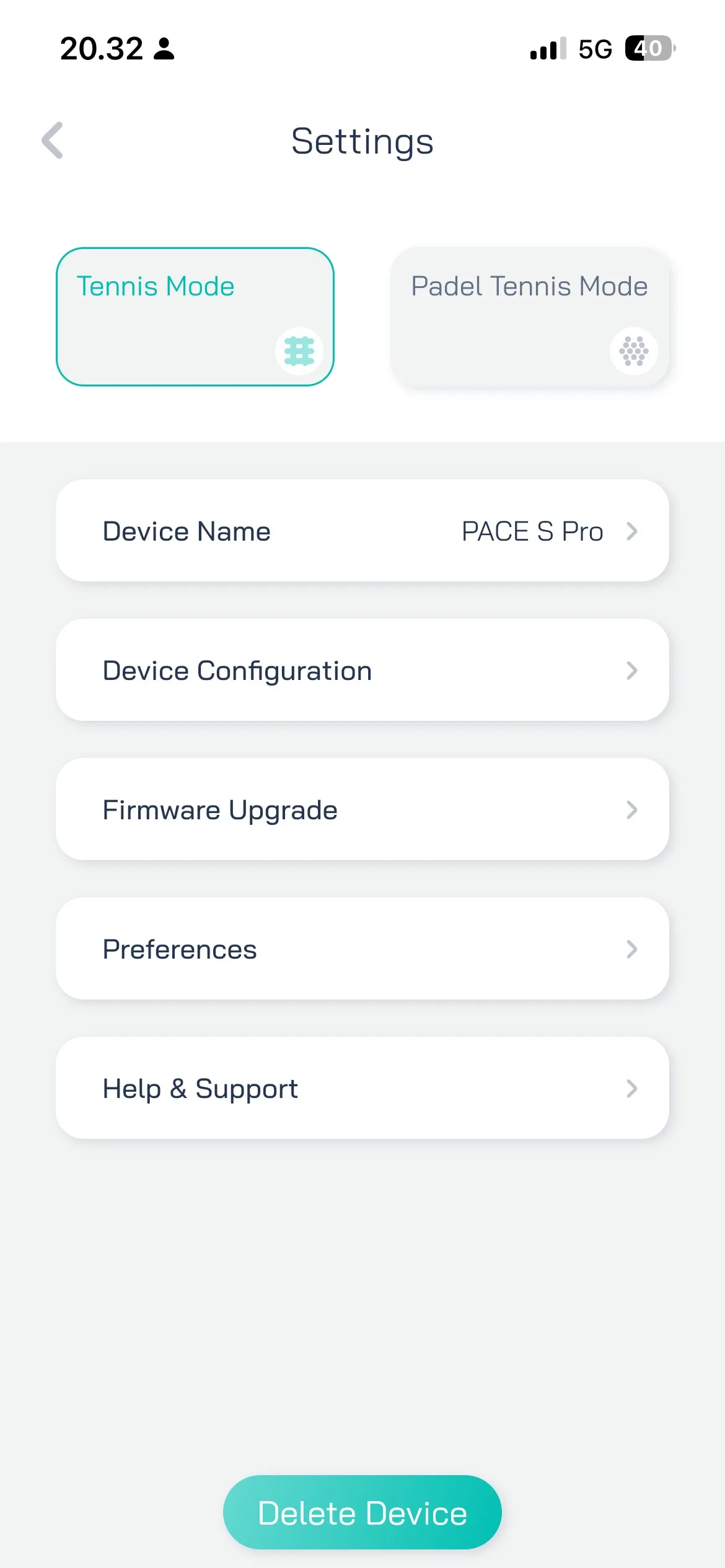
Classic drills list and settings menu
One of the Pongbot Pace S Pro’s coolest and most useful features is its full court coverage. It’s able to feed balls to every area of the court, high and low. For example, it can lob the ball up to 26 feet (8 meters), or feed it deep and low to your backhand corner. On top of this, it can combine all the different feed variations, so during one drill it can feed the ball to different places to create interesting and useful combinations, such as midcourt attacking shot -> volley -> smash.
The factory calibration is rather good, but if you want to adjust the depth and angle of the feed, it can be done easily via the remote or the mobile application. Pongbot also remembers your adjustments, so you don’t need to modify them every time.
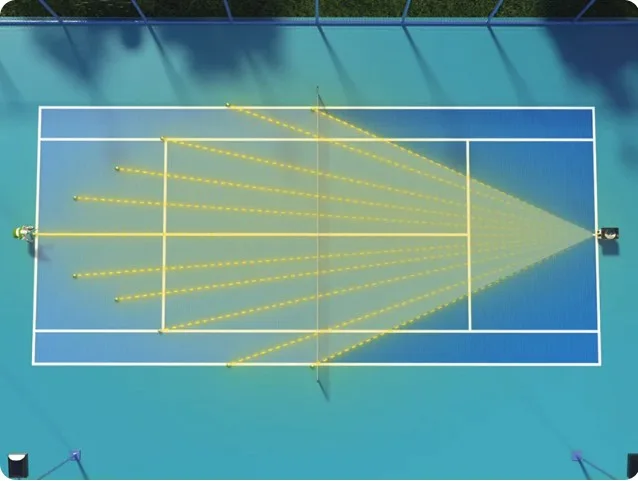
Maybe one of the Pongbot’s best but least noticeable features are its adaptability and adjustability, since they’re made so well. The factory drills are well calibrated, and the ball behaves naturally. It doesn’t spit out slow-looking balls with an enormous amount of spin like the Slingerbag does. Even when adjusting the feed yourself, it adapts well to the specifications, and for example, when adding depth, it also increases speed and spin accordingly.
These features usually go unnoticed since they work so well and smoothly.
The Pongbot Pace S Pro comes with 564 preprogrammed drills, and most of them are actually useful. They may be tailored for a very specific situation, but there wasn’t a drill I found completely useless.
The drills are divided into basic, combined, and complex drills. On top of that, there are smart pace drills, match challenge drills, and NTRP drills.
Pongbot can feed balls between 15-80 mph (25-130 km/h) and up to 60 rps. This makes it a great training partner for players of all levels. Beginner players can choose slower speeds and spins, whereas more advanced players can set the speed to the max and improve their volley reaction times.
The balls can be fed with three different spins: topspin, underspin, and no spin. The spin adjustment works really well, and it can generate a really low-bouncing slice shot or a high-bouncing topspin shot.
Note: during faster ball speeds, the wind-up time is longer, but reasonable enough.
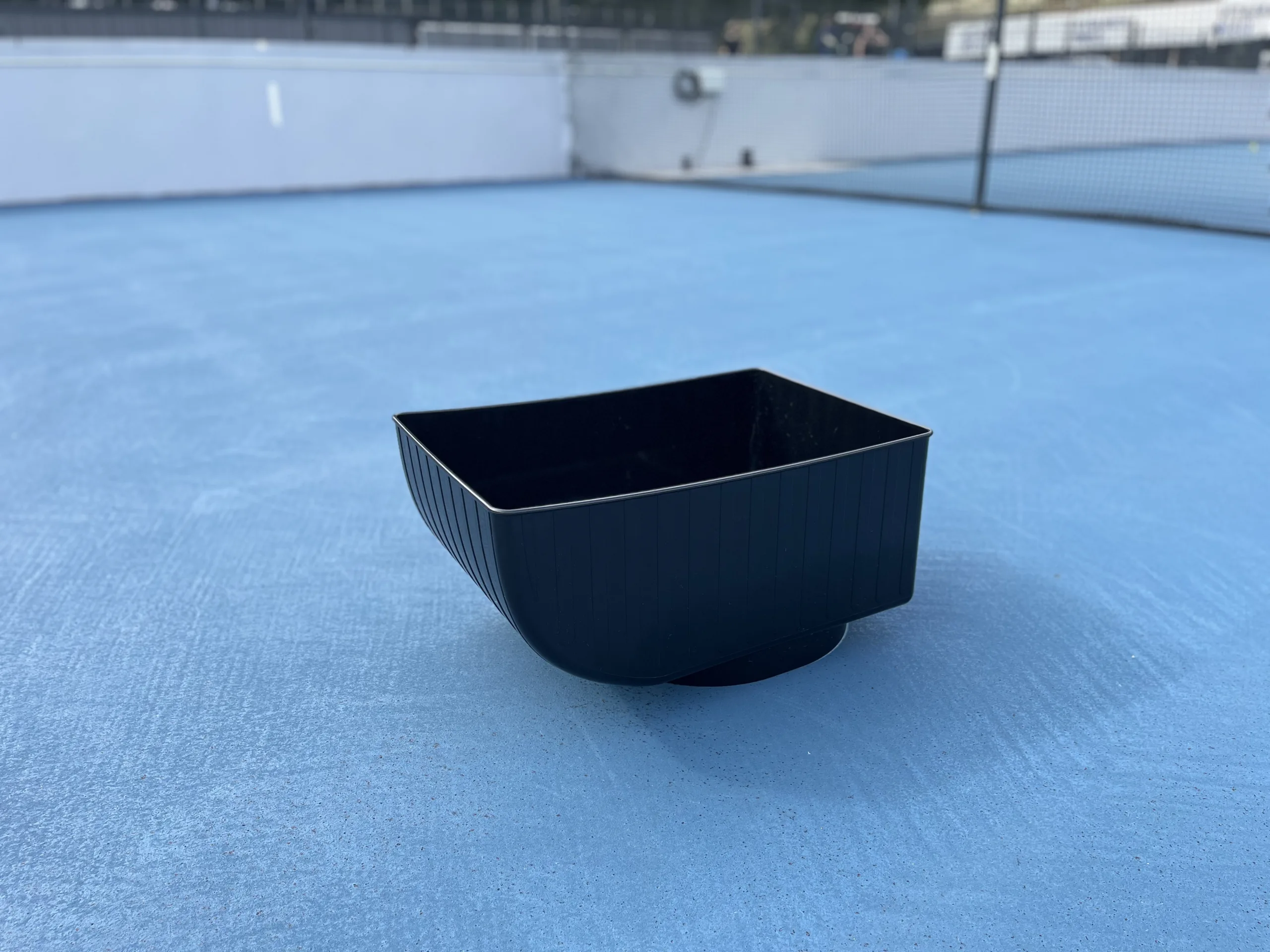
The Pongbot ball basket can hold up to 150 balls, and the balls fall onto the loader pretty well. Sometimes, if the balls fall in awkwardly, it may not be able to feed the last 5-8 balls.
Note: when carrying the full amount of balls, some of them might fall off when dragging the machine by the handle.
According to Pongbot’s website the Pace S Pro offers 8 hours of battery life. For me it was around 6-7 hours since I played with the most demanding features and ball speeds. However, in regular use the 8 hours sounds about right.
The Pace S Pro can also be used on a padel court with padel balls.
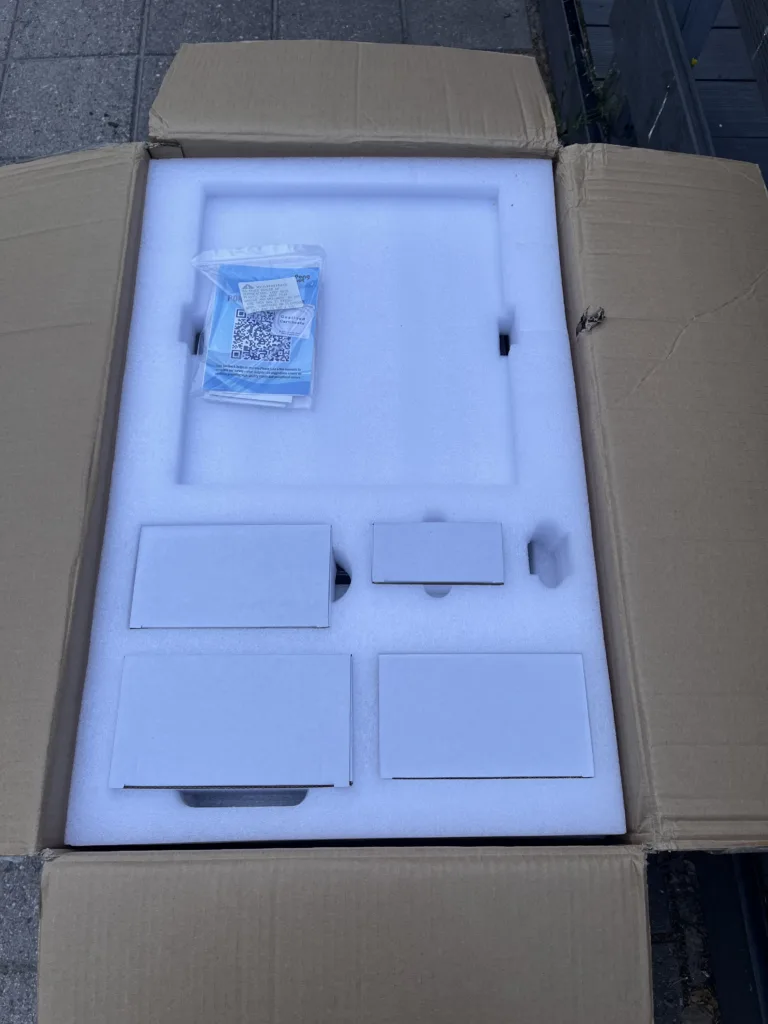
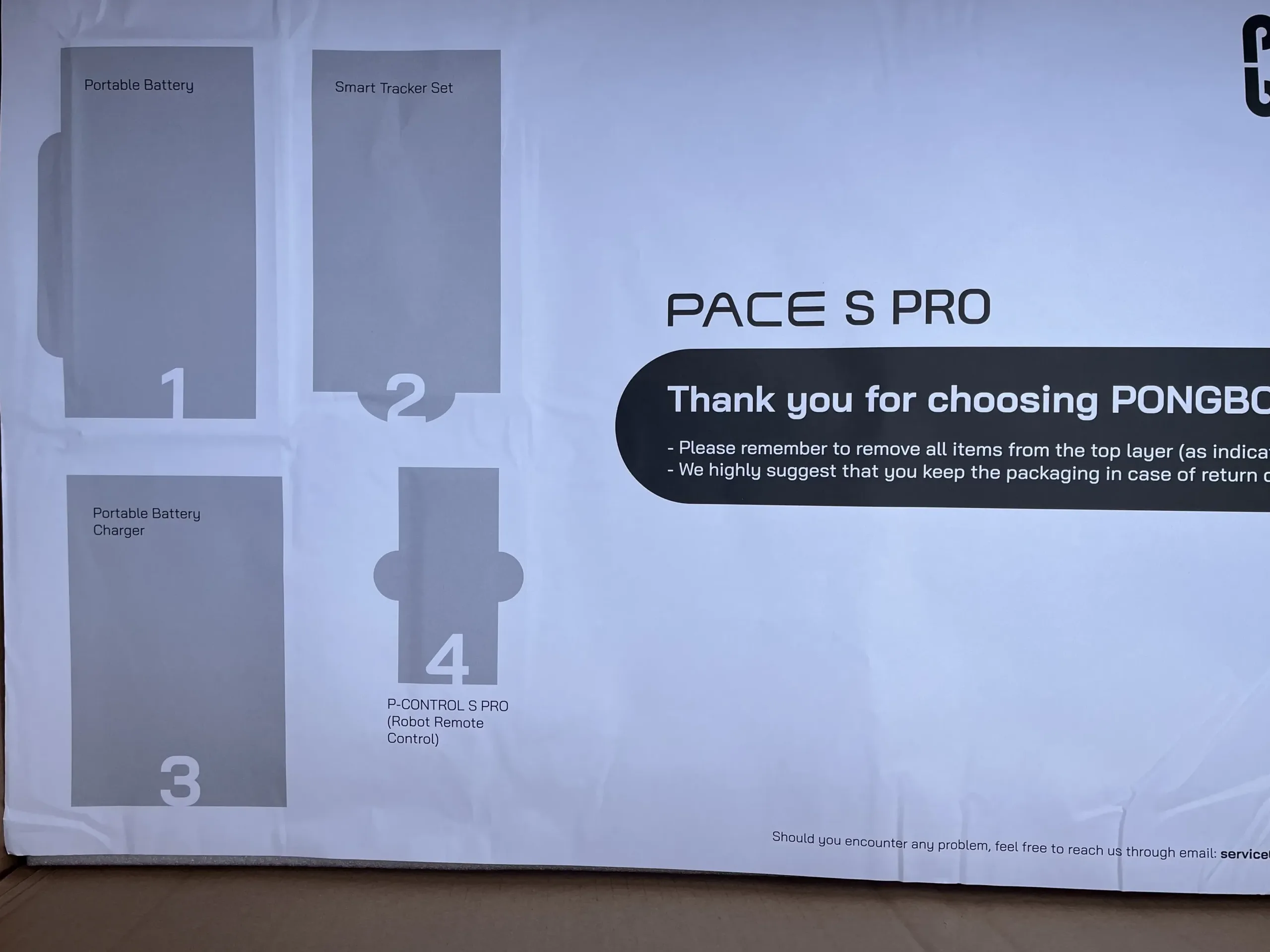
When ordering a Pongbot Pace S Pro ball machine, the box comes with:
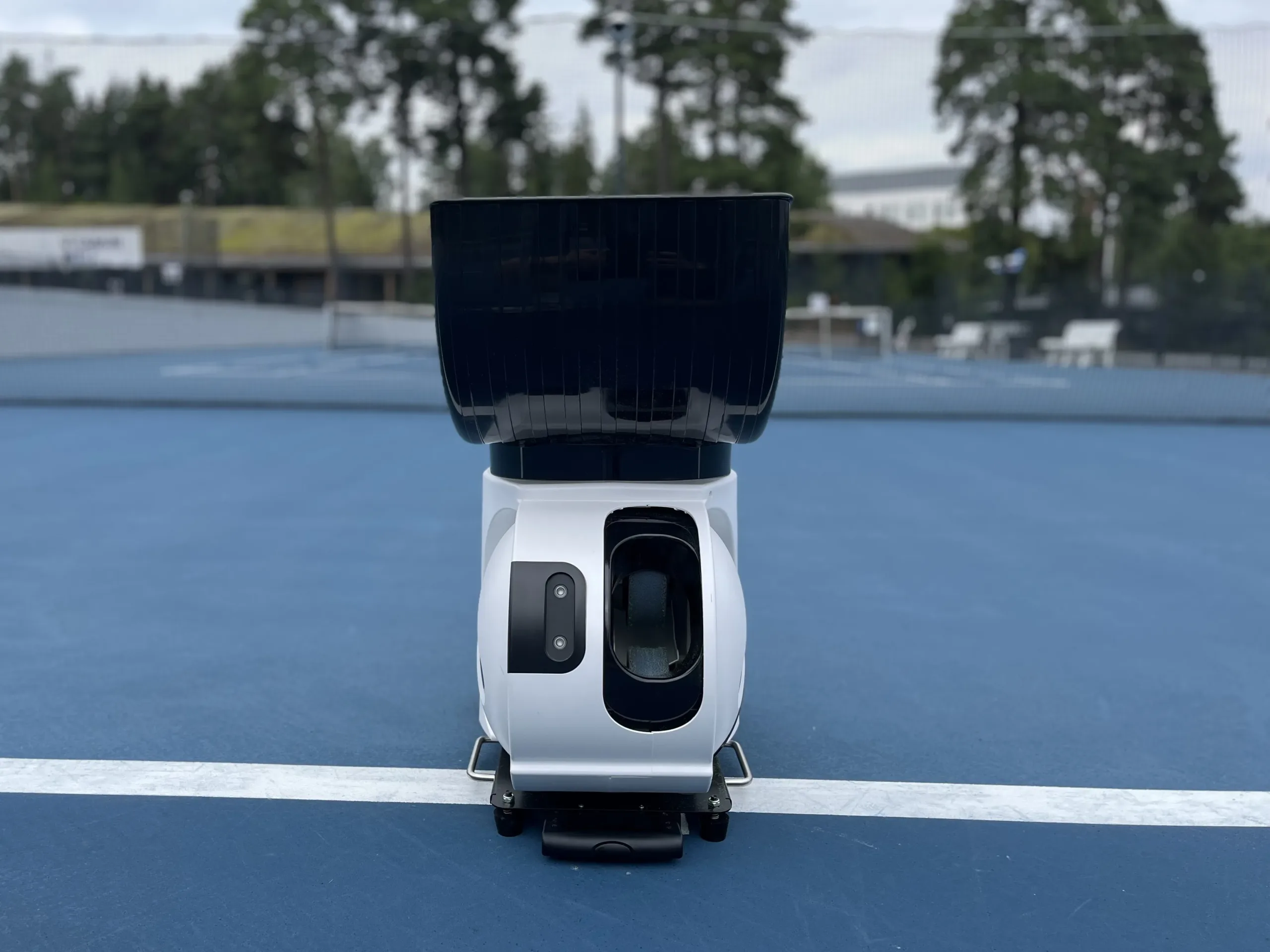
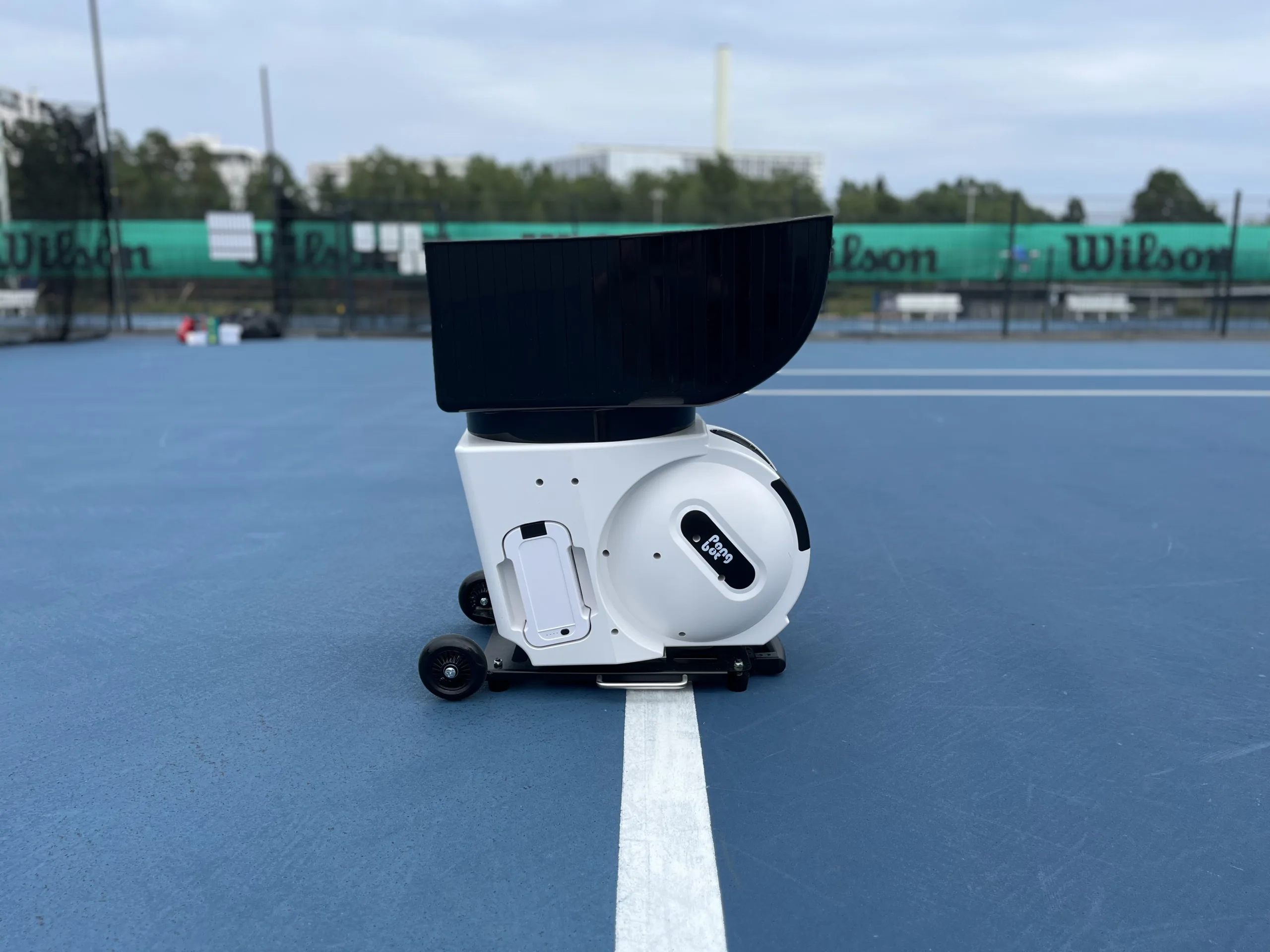
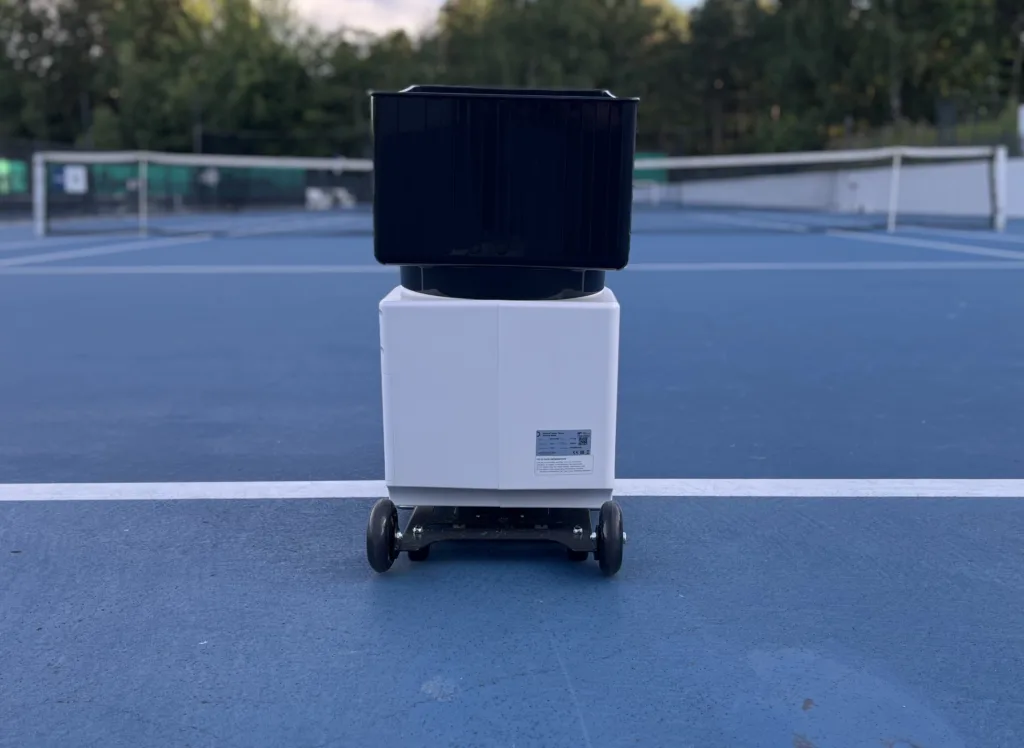
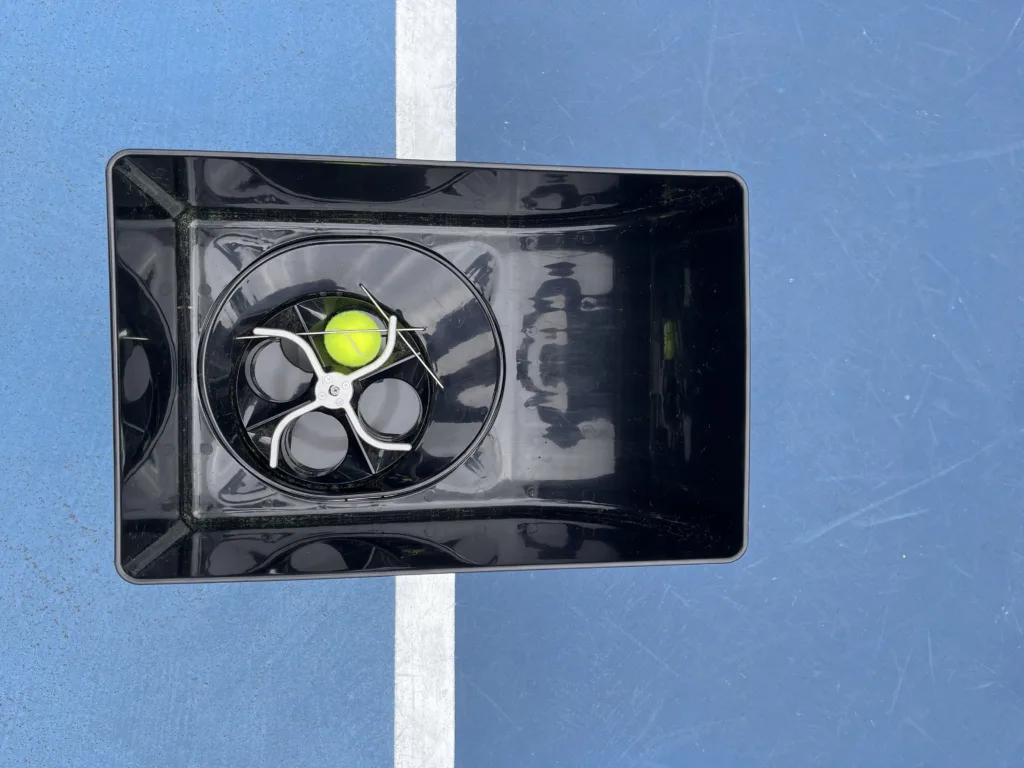
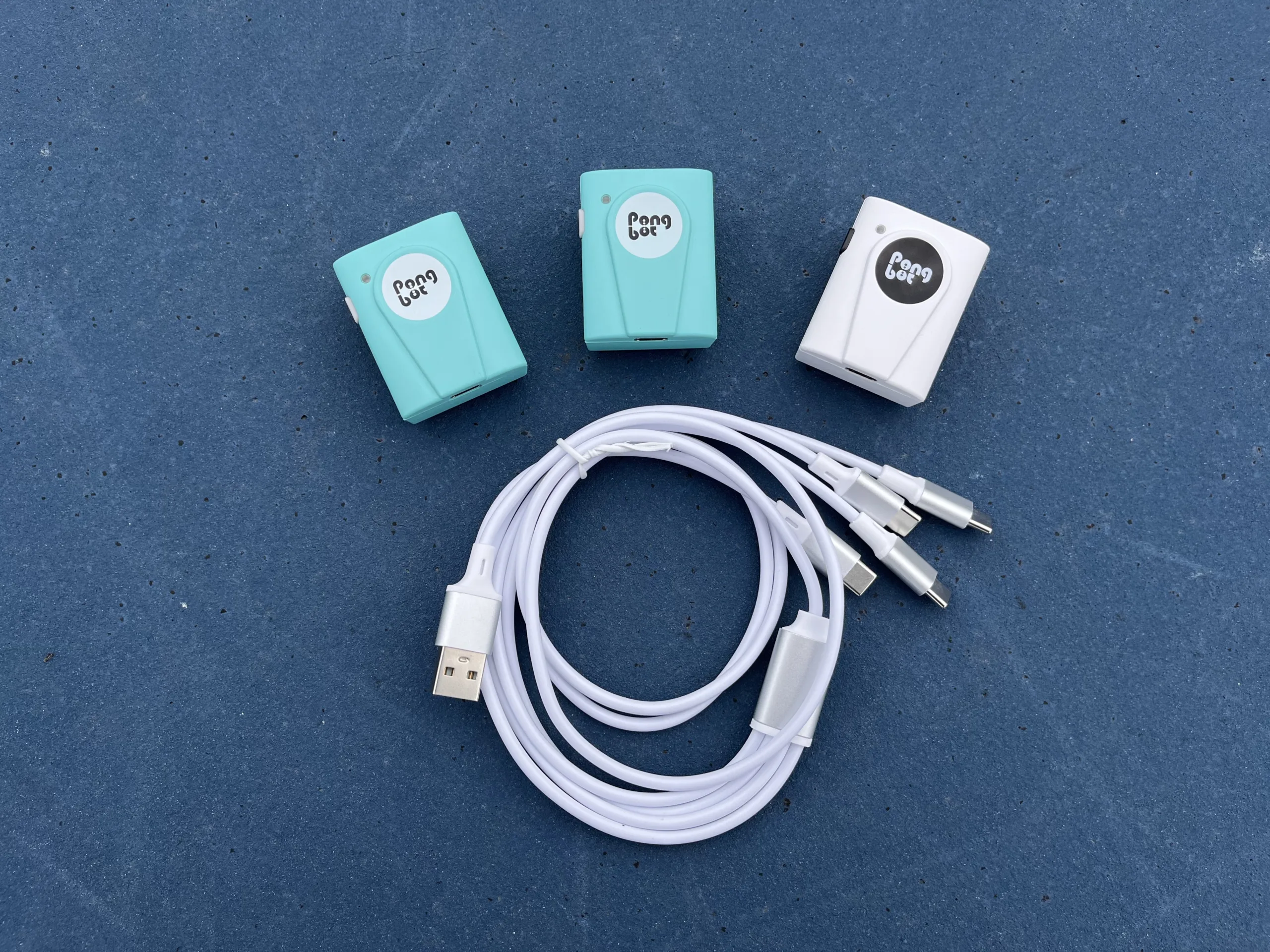
The Pongbot Pace S Pro comes exclusively with P sensors that are used to track the player on the court. There are two mint-colored sensors that you attach at the net on your own side, so the ball machine knows where the court’s singles lines are. The last white sensor is attached to the player’s collar so the machine can see the player.
Together with these sensors comes a handy USB-to-USB-C charging cable that has 4 ends, allowing you to charge all the sensors and the remote simultaneously. The charging can also be done via the ball machine, since there’s a USB port integrated into its side panel.
When I received the Pongbot Pace S Pro model, everything felt really well finished, from the packaging to the product’s build quality. There was a rather deep dent in the cardboard shipping box when I received my unit, but thanks to the tight, quality foam packing, the box contents were really well protected from shipping damage.
When I opened the box, all the components were neatly packed in their own pockets, and on top of that, there was a leaflet explaining the contents of the box.
When assembling the Pongbot, everything felt well made, and the machine itself had some weight to it, which is usually a good sign. The plastic ball basket and the front plastic of the ball machine feel slightly thin and flexible, but all the other areas, such as the sides and the metal frame of the machine, feel really rigid. Also, the long carry-on case handle at the front feels well made; the only downside is that it’s kind of hard to reach and extend from the bottom of the machine.
When I first powered on the remote and saw the menus, everything felt overwhelming but in a positive way. It wasn’t like there was too much going on, but rather more of a “where do I begin” type of situation. When I opened the basic drills menu, there were 7 pages of different drills just for the beginner level, ranging from fixed-point baseline shots to volleys. There were also combination and complex drills pages, which held even more advanced drills.
It took some time to find the drill I was looking for from the menu view, since all the drills are listed similarly and their names are close to each other. Once I found the drill I was looking for, it was easy to select it and see its contents. Before starting a drill, you have a menu for the interval time, difficulty, and feed placements, which you can calibrate beforehand. After starting the drill, you have a 5-second preparation period, which you can also skip.
When trying out the drills, everything worked well, and the feed was just like the drill implied. However, in almost every drill I had to add an extra 5-10 to the depth, since even in the baseline drills it was feeding balls to the midcourt. This was no problem, since you have a 20-step depth adjustment range for the feed. Also, sometimes I felt that the angle of the feed wasn’t deep enough, for example in the forehand-to-backhand drills, but this was also adjustable via the drill’s calibration. After a little calibration, I managed to get the drills working to my liking.
The only thing that was hard to adjust within the drills was the ball speed. On the drill menu, there was a three-star difficulty rating, which I figured out to be the timing/speed/spin level. With a 1/3-star rating, the ball speed was lower and the feeding interval felt longer, while with a 3/3-star rating, the ball speed felt faster and the interval shorter. For the drills, I would have wished for a more detailed ball speed option, because the thresholds felt generic.
Overall, my first impressions of the Pace S Pro were really positive, with the few downsides being a really loud, high-pitched power-on beep, and the loud beeping when feeding the balls.
I tested the Pongbot with various advanced players with 15+ years of tennis experience. For the advanced players, the basic drills felt too easy, especially since the feeding interval was too long and the ball speed too slow. However, with the more advanced complex drills, my more experienced colleagues felt like they had enough of a challenge.
Sometimes, when we didn’t find a fast-paced drill fast enough, we created our own and set the ball speed to the max and the interval time to 0. This way, we could increase the challenge and create exactly the drill we wanted.
The one standout feature was the Pace S Pro’s exclusive smart feature, where you put the sensor on and the machine tracks your location on the court and feeds the ball accordingly. Even my most experienced and athletic colleagues had a hard time catching up to the ball in the “Area of Dash” drill.
Overall, my advanced colleagues found the drills challenging enough, and even for experienced players, I was surprised to see how engaged they were while trying out the drills.
I would say the Pongbot Pace S Pro is worth the money if you can use it to its full extent. It has great build quality and it’s intuitive and engaging to use. It features useful drills, and the ball feeding is very solid and versatile. However, more inexperienced players may not have the skills to fully take advantage of the Pro features, so they could be content with the base model.
Overall, I would go for the Pace S Pro model if you feel like you need extra challenge and drills designed for more experienced players.
I would say the Pongbot Pace S Pro is worth the money if you can use it to its full extent. It has great build quality and its intuitive and engaging to use. It features useful drills and the ball feeding is very solid and versatile. However, more inexperienced players may not have the skills to fully take advantage on the Pro features so they could be content with the base model.
Overall I would go for the Pace S Pro model if you feel like you need extra challenge and drills designed for more experienced players.